1
Set up your device
Connect on your local network, create the local owner, choose the device name, and link it to your Rungard account.
A Rungard computer at your place
One simple page that works even when the internet is down
Reach your files from anywhere, safely
Traditional self-hosting asks you to assemble the hardware, operating system, networking, and management tools yourself. Rungard brings those parts together as one managed subscription.
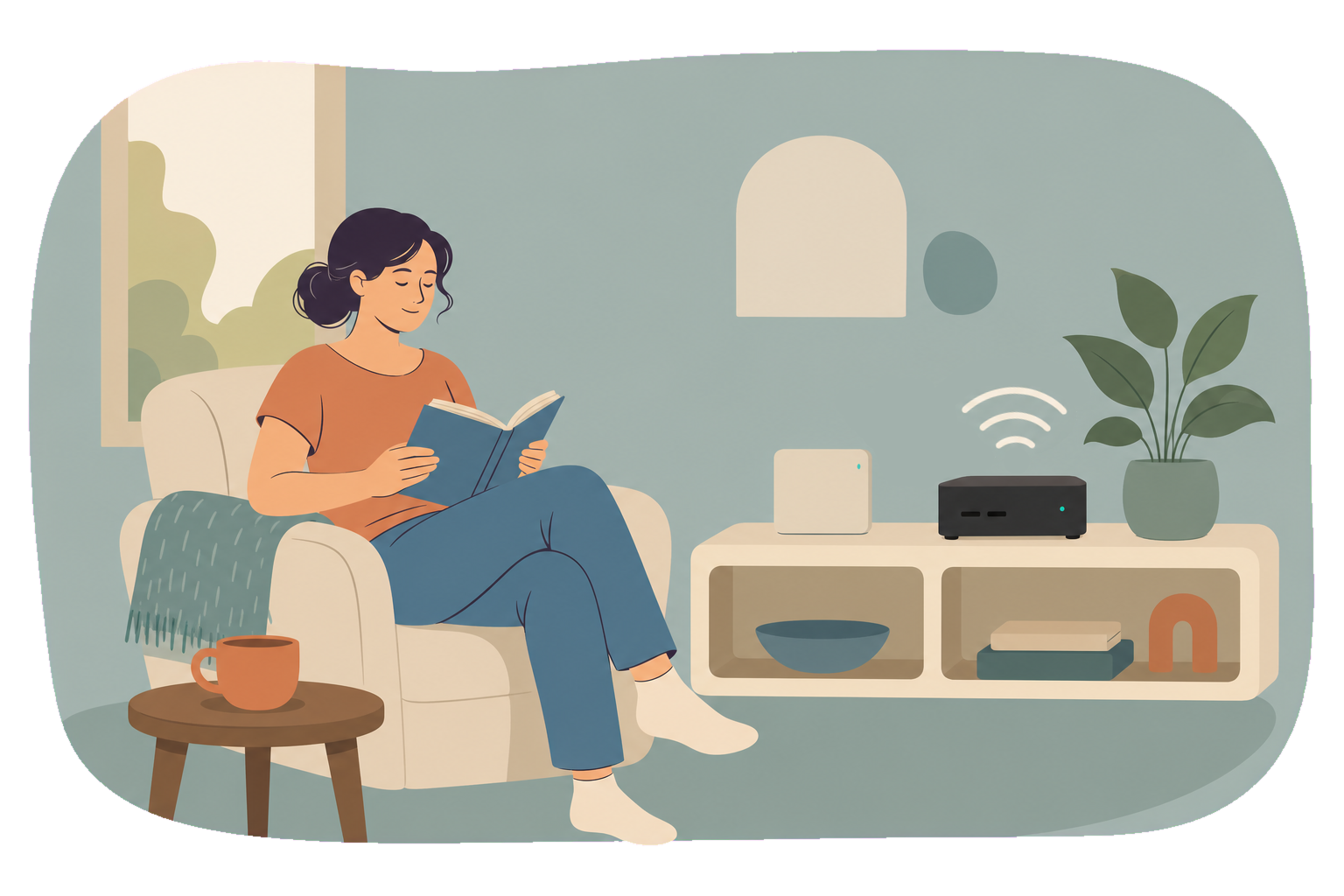
One device and one clear interface for the jobs that usually send you into configuration files and terminal windows.
Install and manage containerized services from a curated application library.
Rungard manages encrypted remote access through its relay, so you do not configure VPN tunnels.
Follow device presence, resource use, services, security signals, and logs.
Set backup schedules and review backup status and history from the dashboard.
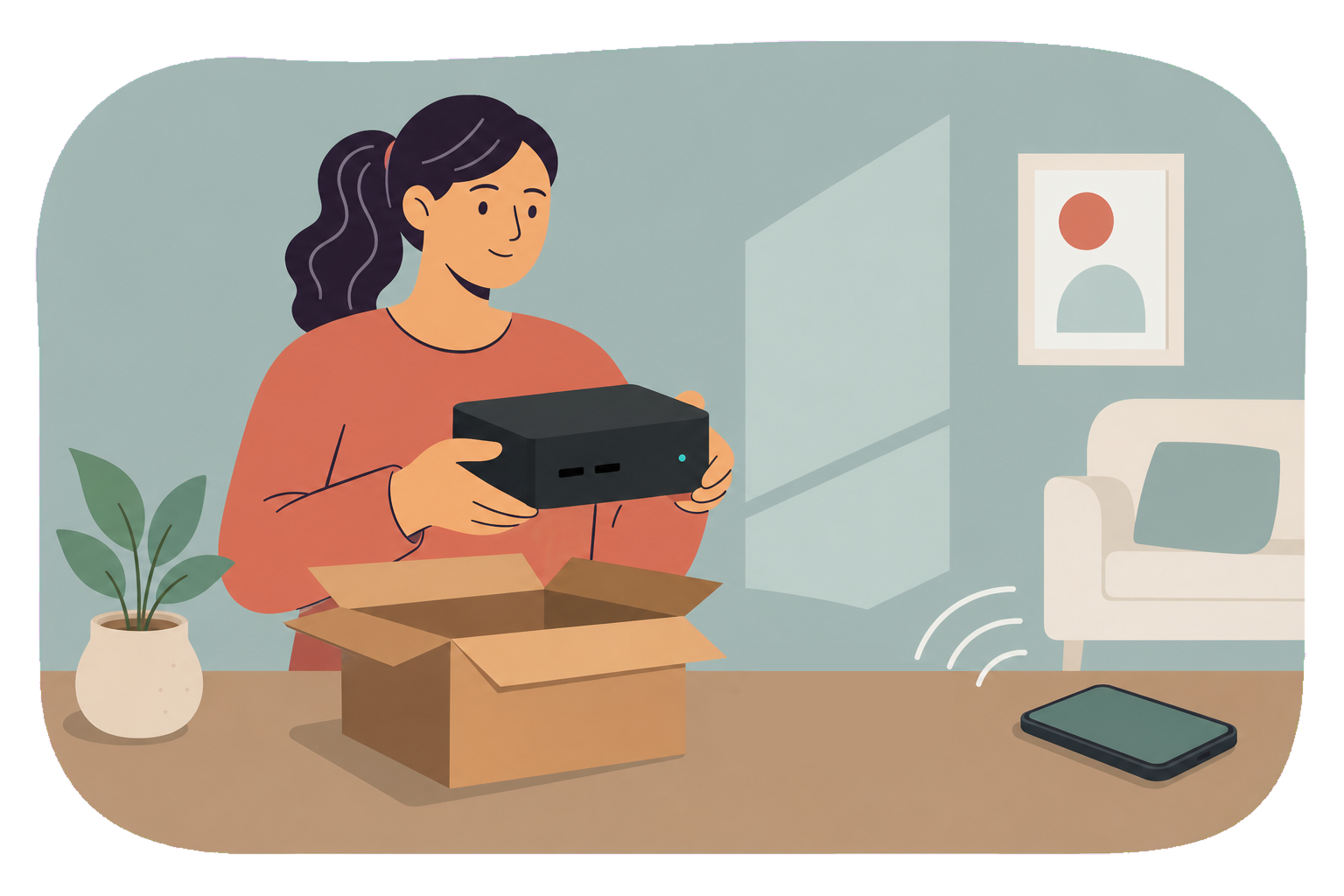
Connect on your local network, create the local owner, choose the device name, and link it to your Rungard account.
Add self-hosted applications without building a container setup from scratch.
Use the local and cloud dashboards for applications, system health, backups, and device status.
Local when it matters
Once provisioned, the local dashboard remains available on your network even when the cloud or internet is not.
Use the local dashboard for administration at home or work. Rungard Cloud connects your account, subscription, remote visibility, backups, updates, and support.
Why we built Rungard
Direct control on the same network as your Rungard device.
A convenient overview for the Rungard devices linked to your account.
Explore Rungard subscription options, or talk with us about what you want to run.